
×
About this listing
Shoppo is an independent New Zealand shopping discovery platform.
We do not sell products ourselves.
Products on this page are sold by Tatras Consulting on their own website.
Clicking "Visit Store" takes you directly to the retailer.
Own this business?
Claim your listing or request removal.
Tatras Consulting 1 views Claim this Business♡
×-
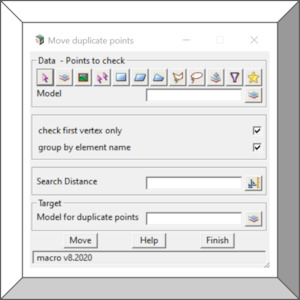 $1212dPL 4do Move Duplicate PointsThis option will find points with duplicate XY position and move them to another model. Duplicate points can be found within tolerance and can be grouped by element name.To Download right click – open in new windoworVisit Store 0 0
 -
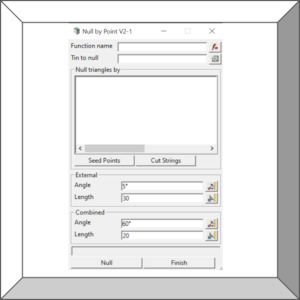 $1212dPL 4do Null Tin By Points FunctionMacro function to null tin by multiple points seed. Written and shared by Lucien West, it takes number of coordinates and creates a function that can be rerun after tin modifications.To Download right click – open in new windoworVisit Store 0 0
 -
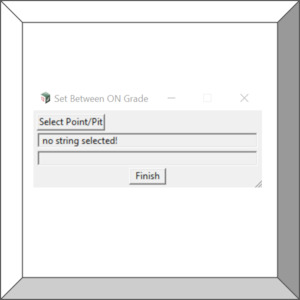 $1212dPL 4do Set On Grade BetweenSimply pick a vertex or pit to modify so that it’s z value (pit invert) is on grade between previous and next point/pit/node.To Download right click – open in new windoworVisit Store 0 0
 -
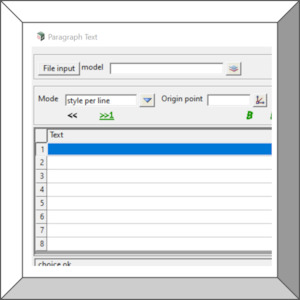 $1212dPL 4do Create Paragraph TextMacro panel that can create and modify large blocks of text as organised paragraphs. Contents can be saved and loaded from files, each line can have different text style settings. Text substitution by project attributes is also available. Simply use the following syntax $project attribute ProjectDet...Visit Store 0 0
 -
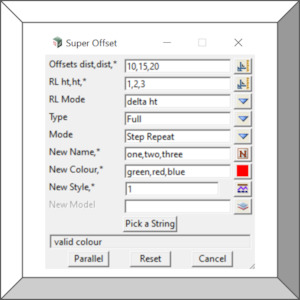 $1212dPL 4do Parallel OffsetMacro panel that streamlines multiple parallel offsets of lines, ideal for making staircase linework. Input can be a single offset or list of comma delimited offset values. Each offset can also have its own colour, line style and height. Actions can be repeated restarting from the last offset line o...Visit Store 0 0
 -
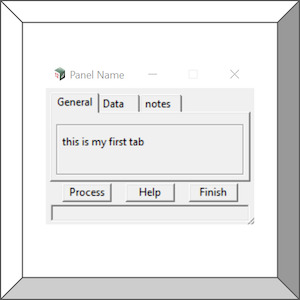 $44dm code Panel with tabsPanel Example.How to use Tabs to group widgets on panels.To Download right click – open in new windoworVisit Store 0 0
 -
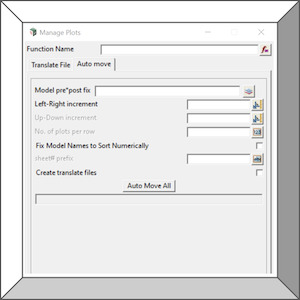 $1212dPL 4do Plot ManagementFunction panel for translating plot models for easier review, use with MPS and post processes.Auto translate many models that match a search/filter or individual models, create and modify function within chains using command arguments.To Download right click – open in new windoworVisit Store 0 0
 -
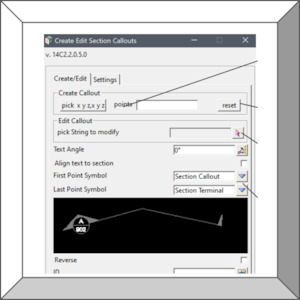 $1212dPL 4do Section CalloutsPanel for creating/editing section callouts.Improve your drafting in d Model with this handy tool.To Download right click – open in new windoworVisit Store 0 0
 -
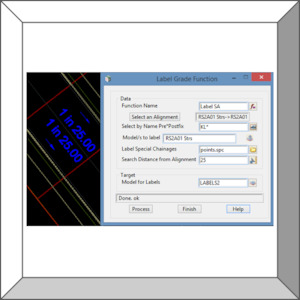 $1212dPL 4do Label AMTF Strings GradeFunction panel to label grades of strings created by Apply MTF process. Kerb , road strings, grade label and arrows.To Download right click – open in new windoworVisit Store 0 0
 -
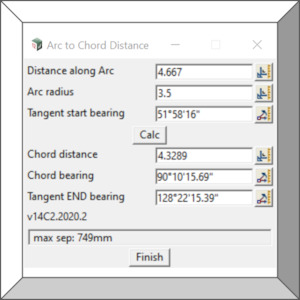 $1212dPL 4do Arc to ChordPanel for calculating the Chord Distance for an arc.Some old cadastral plans only display the arc distance while the traverse spreadsheet input may require chord dimensions, this panel allows user to convert the information.To Download right click – open in new windoworVisit Store 0 0
 -
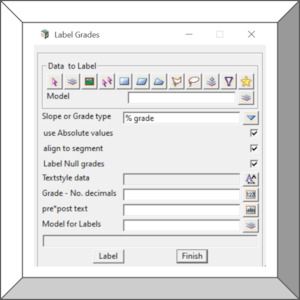 $1212dPL 4do Label Segment GradeCreate labels of segment grade as 1in slope or %fall. Global option to label one or many elements.To Download right click – open in new windoworVisit Store 0 0
 -
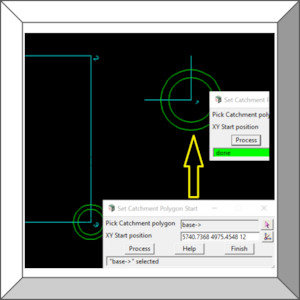 $1212dPL 4do Set Catchment Polygon startModify catchment polygon by spinning vertex indices to make the first vertex near a drop XY position.Using the DNE/WNE set catchments may require the start point to be near the intake pit.To Download right click – open in new windoworVisit Store 0 0
 -
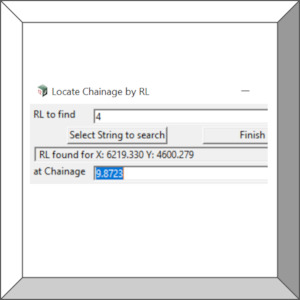 $1212dPL 4do Locate RL chainageThis option can find the XY position and Chainage for the first RL value on a string. If the value is not found an error is printed to the output window.To Download right click – open in new windoworVisit Store 0 0
 -
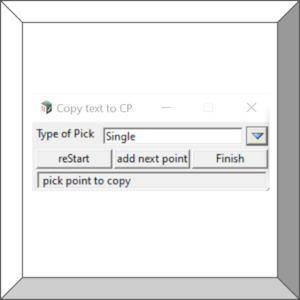 $1212dPL 4do Copy text to clipboardSimple tool that is used with super string/text/leader elements to copy text/vertex text/segment text/leader text to clipboard.Text can replace the clipboard or a new line can be added to the clipboard. In the future this option may support other element types.To Download right click – open in...Visit Store 0 0
 -
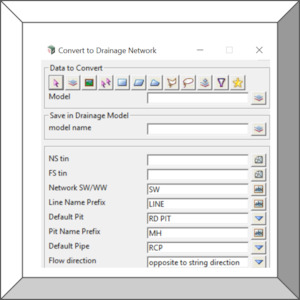 $1212dPL 4do Convert Strings to DrainagePanel for converting super strings to a drainage network model.Includes basic drainage settings and flow direction. Simply draw your super strings from outlet to most upstream pit and set the flow to be opposite to string direction.To Download right click – open in new windoworVisit Store 0 0
 -
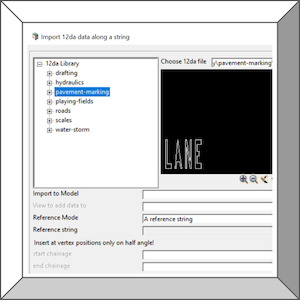 $1212dPL 4do Import 12da File along stringA panel used to import typical elements at multiple positions along an alignment.Ideal for importing 3d objects, trimeshes such as fence posts, street lamps or pavement marking.To Download right click – open in new windoworVisit Store 0 0
 -
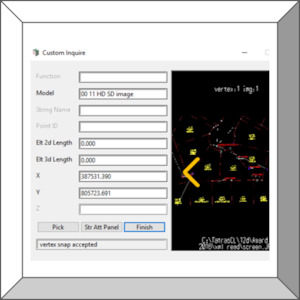 $1212dPL 4do Custom Info PanelDynamically create custom inquire Panel to display information in way that suits your needs. Panel stays open so you can copy data from each field and if the element contains images or attribute file links to images a slide show of these will be presented.This macro make verifying information based...Visit Store 0 0
 -
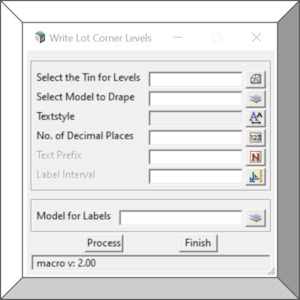 $1212dPL 4do Create Lot LevelsCreate TIN height label at polygon/lot corners/locations.To Download right click – open in new windoworVisit Store 0 0
 -
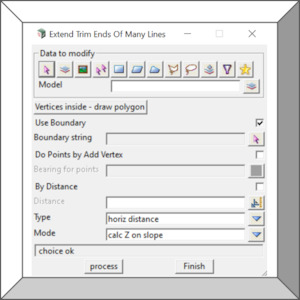 $1212dPL 4do Extend Trim ManyGlobal option to extend or trim the start/end vertex of many strings. Distance mode include boundary, horizontal and slope length. Z value mode includes on slope, same as, remove, null or maintain.To Download right click – open in new windoworVisit Store 0 0
 -
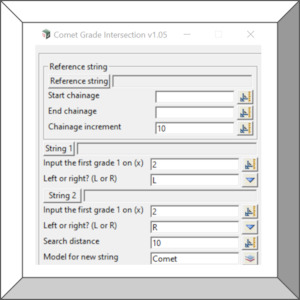 $1212dPL 4do Comet Grade IntersectionMacro panel to generate an intersection of two grades from two strings. Written and shared by Brian Marshall, the first ever macro to be posted on user forums many many years ago.To Download right click – open in new windoworVisit Store 0 0
 -
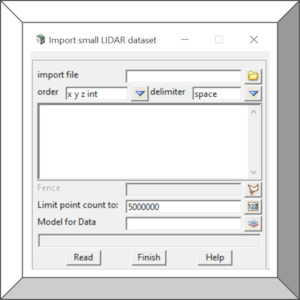 $1212dPL 4do Import LiDar XYZThis option can import old ASCII LiDAR files as points and colour them by their grey scale intensity valueor RGB values. There are better tools and modern file formats for working with point clouds, however, some old ascii files are still in existence so this legacy tool should help.To Download righ...Visit Store 0 0
×